LockMyPic is an end-to-end encrypted photo & video vault. Face ID, PIN protection, and optional encrypted cloud backup — with zero accounts, zero tracking, and zero compromises.
LockMyPic is built with one goal: keep your private media private, always.
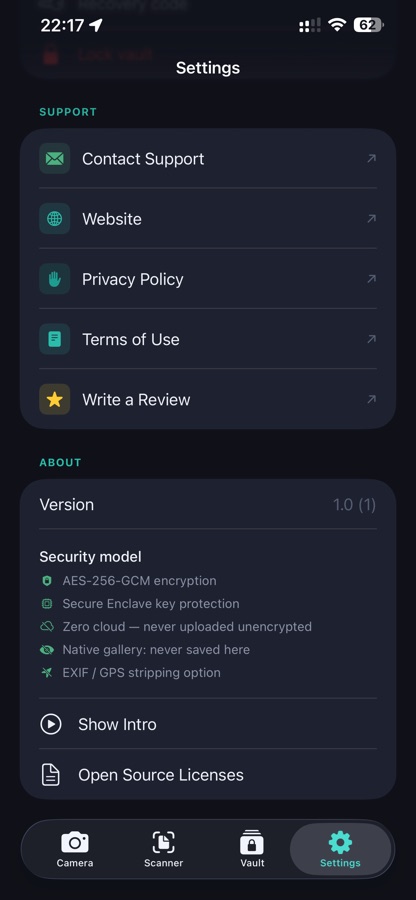
AES-256-GCM Encryption
Every photo and video is encrypted with AES-256-GCM before being stored on disk. The encryption key never leaves your device unprotected.
Secure Enclave Key Protection
Your vault key is wrapped using Apple's Secure Enclave via P-256 ECIES. Even if someone extracts your file system, they cannot decrypt your media.
Face ID & Touch ID
Unlock your vault instantly using Face ID or Touch ID. Biometric authentication is handled by the system — LockMyPic never sees your biometric data.
Built-in Private Camera
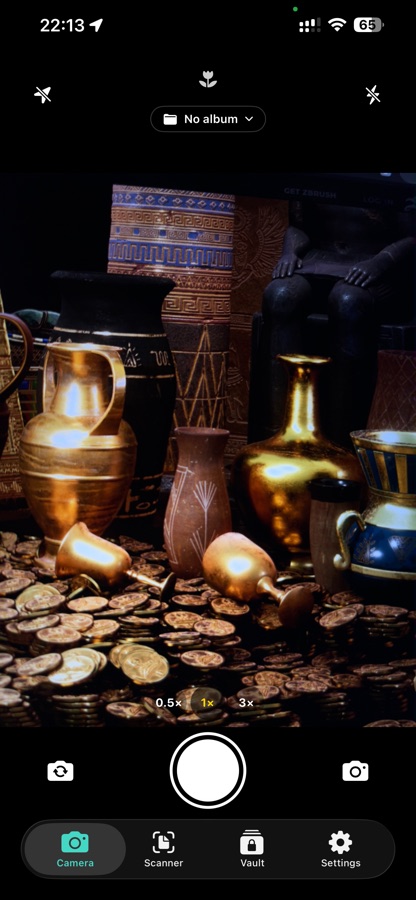
Capture photos and videos directly in LockMyPic — from 720p up to 4K with 8 quality presets, including slow-motion. Files are encrypted immediately on capture and never saved to your native gallery. GPS and camera metadata are automatically stripped from every photo and video.
Document Scanner
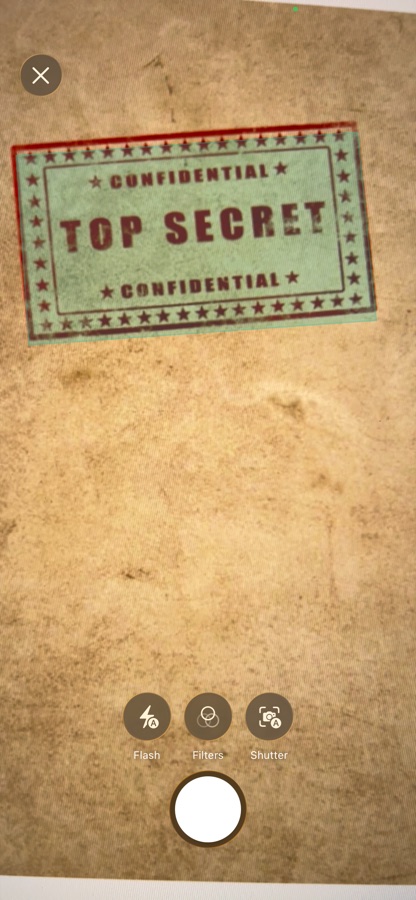
Scan multi-page documents using Apple's native document scanner. Pages are combined into a single encrypted PDF stored directly in your private vault — never saved to the Photos app.
Animated GIF Capture
Record animated GIFs directly in the camera — up to 6 seconds at 12 fps, saved encrypted to your vault. Perfect for subtle moments that need motion.
Import from Photos & Clipboard
Bring existing photos into your vault from the iOS Photos app or paste directly from the clipboard — no permission dialog required. Import from Safari, Messages, or any other app with a long press in the gallery. All photos are encrypted immediately on import.
Night Mode
Multi-frame capture technology produces stunning shots in low light. Automatically activates in dark environments — iPhone XS and later.
Macro Mode
Get closer than ever. Macro mode switches automatically for ultra-close subjects, delivering sharp detail — iPhone 13 Pro and later.
Portrait Mode
Depth-effect photos with background blur — captured privately in LockMyPic. iPhone XS and later.
Exposure Control
Tap anywhere to focus, then drag the vertical brightness slider to fine-tune exposure before capturing — precise control, every shot.
Encrypted Cloud Backup
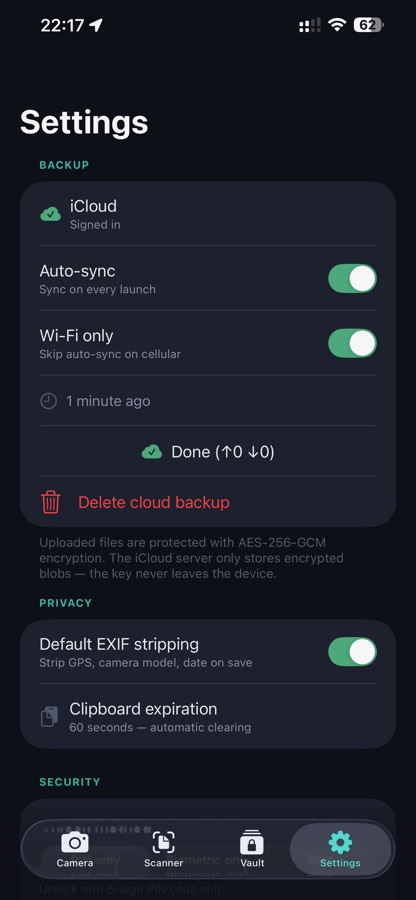
Optional CloudKit backup syncs your vault across devices — encrypted end-to-end. Apple cannot read your files. You can disable it at any time.
Albums & Organisation
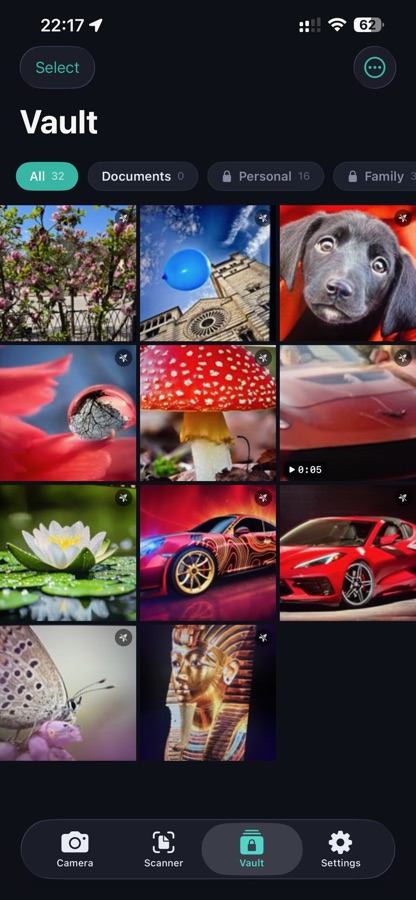
Create custom albums, lock individual folders behind a second PIN or biometric check, and batch-move photos. Album names and lock state sync encrypted to iCloud.
Photo Editor
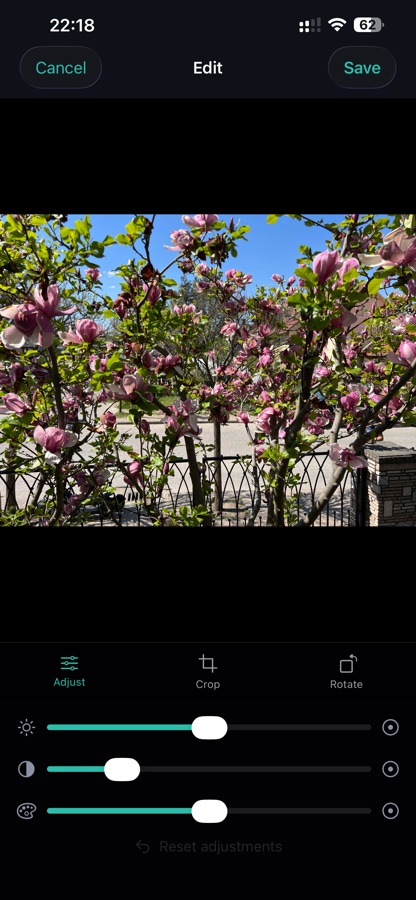
Crop, rotate, flip, adjust brightness, contrast, and saturation — all without leaving LockMyPic. Edits are re-encrypted on save; the unencrypted pixel data never touches your gallery or system storage.
Privacy Screen & Auto-Lock
Automatically blurs the app preview in the iOS app switcher. Locks immediately when the app goes to background — vault key is wiped from memory.
11 Languages
Available in English, German, Spanish, French, Hungarian, Italian, Polish, Portuguese, Romanian, Russian, and Ukrainian.
PIN Lockout & Recovery
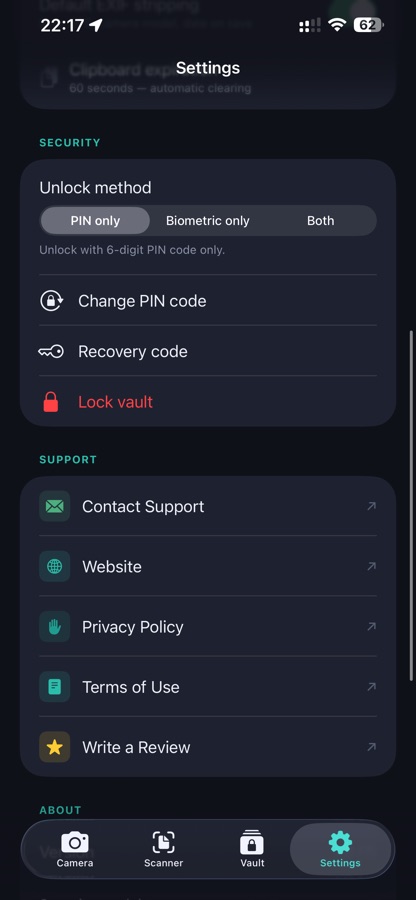
Five wrong PIN attempts lock the vault — and any locked album — for 15 minutes. Forgot your PIN? Reset it securely with Face ID or Touch ID, no account and no waiting.
Recovery Code & Restore
Export your vault key as a 44-character recovery code and use it to restore your encrypted iCloud backup on a new device — no account, no password reset, just your code.
Full-Screen Viewer & Multi-Select
Browse your vault in a full-screen, Apple Photos-style viewer — swipe between photos, swipe down to dismiss, pinch to zoom, and play videos right where you left off. Multi-select to batch delete or move, and set a target album so new captures land exactly where you want.
Screenshots
See it in action.
A clean, dark interface designed to keep your focus on what matters.